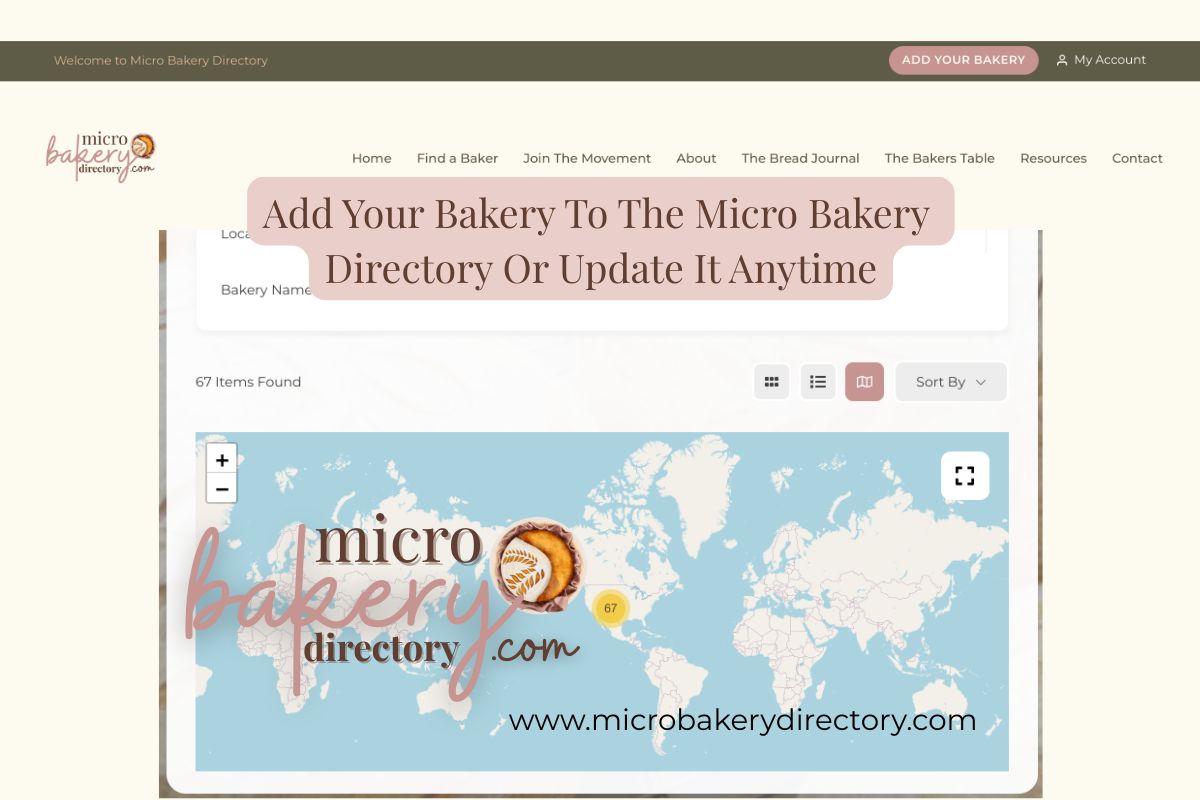
Ready to join the Micro Bakery Directory — or update your current listing?
This quick guide shows you exactly how to add, edit, and refresh your bakery profile anytime.
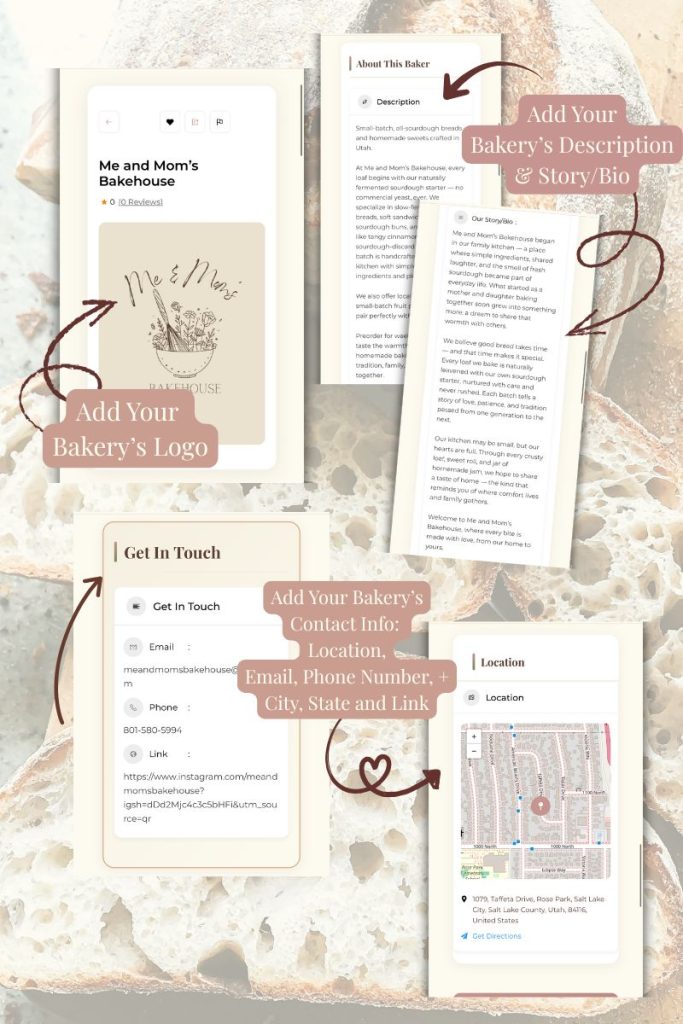
Your listing helps customers find you, learn your story, and see what you bake.
Why Your Listing Matters
A directory listing gives your bakery:
• Visibility in your city + state
• A place customers can actually find you
• A simple online home if you don’t have a website
• A spot to upload photos
• A space to share your bio and offerings
• Free updates anytime you need them
Who’s Invited to Join the Directory
The Micro Bakery Directory is open to all small-batch bakers, including:
• Home bakers
• Cottage food businesses
• Micro bakeries
• Farmers market vendors
• Gluten-free bakeries
• Sourdough-only bakers
• Heritage-grain bakers
• Pastry-focused bakers
• Mixed-offering home kitchens
• Rural bakers and urban bakers
• Bakers just starting or fully established
If you make real, small-batch, handmade baked goods and want customers to find you — you’re welcome here
How to Add or Update Your Bakery Listing
1. Visit the Micro Bakery Website
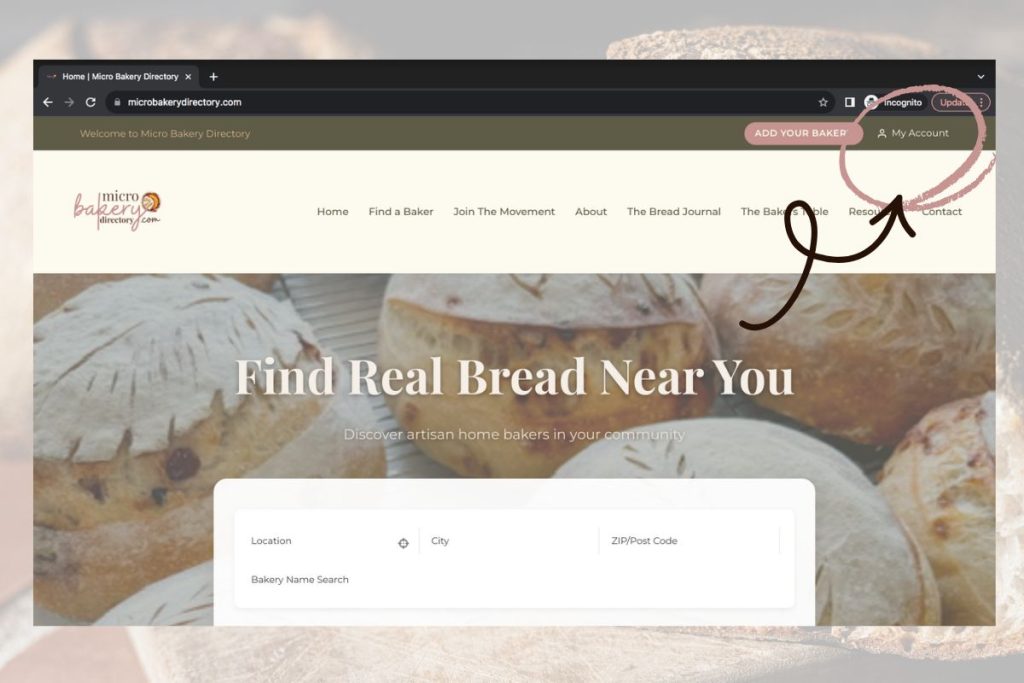
Go to www.MicroBakeryDirectory.com → Click MY ACCOUNT.
2. Create Your Account
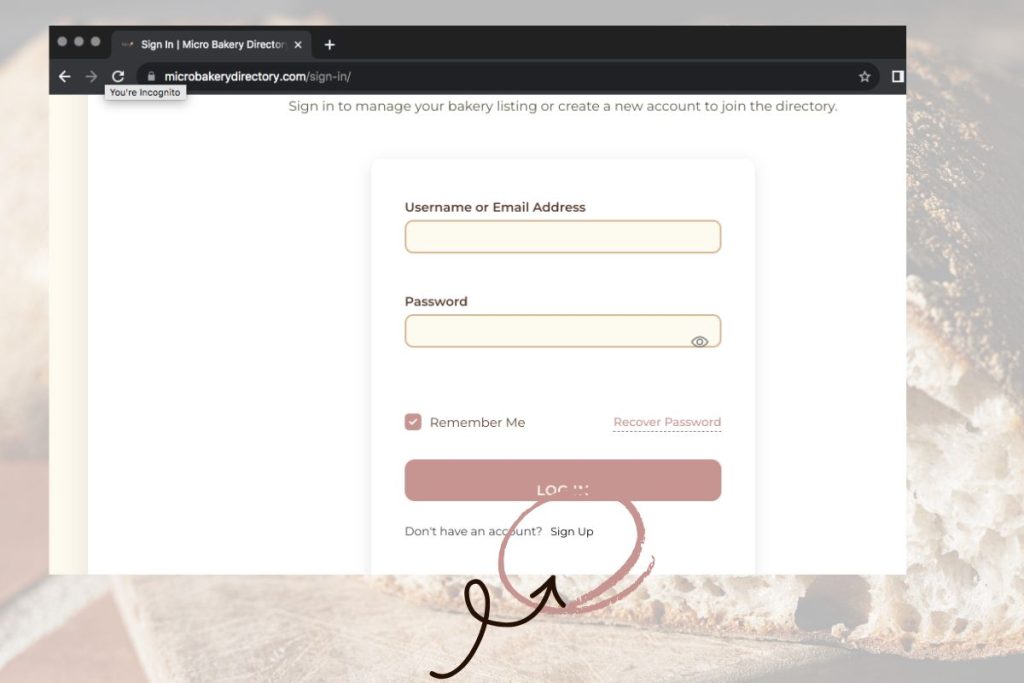
Click Sign Up, enter your details, agree to terms, and submit.
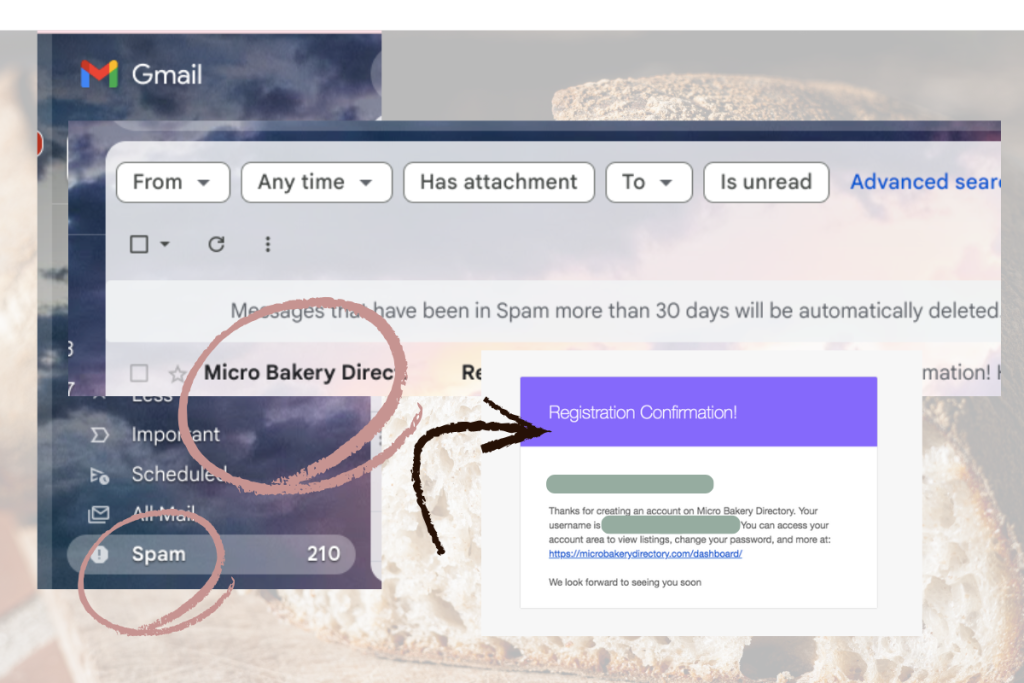
3. Confirm Your Email
Check to see if you received a registration email from us, if you don’t see an email check your Spam folder,
4. Open Your Dashboard
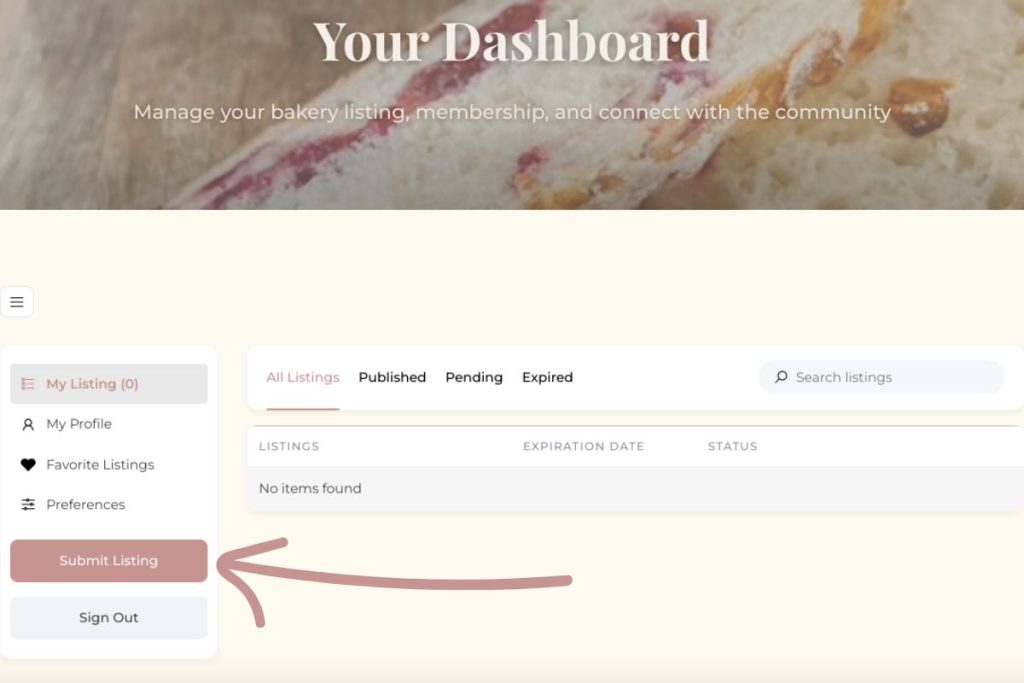
Click Go to Dashboard. If you don’t see it select the waffle icon.
5. Submit Your Listing
Click the waffle icon → Submit Listing.
Select
Submit Listing
What to Include in Your Listing
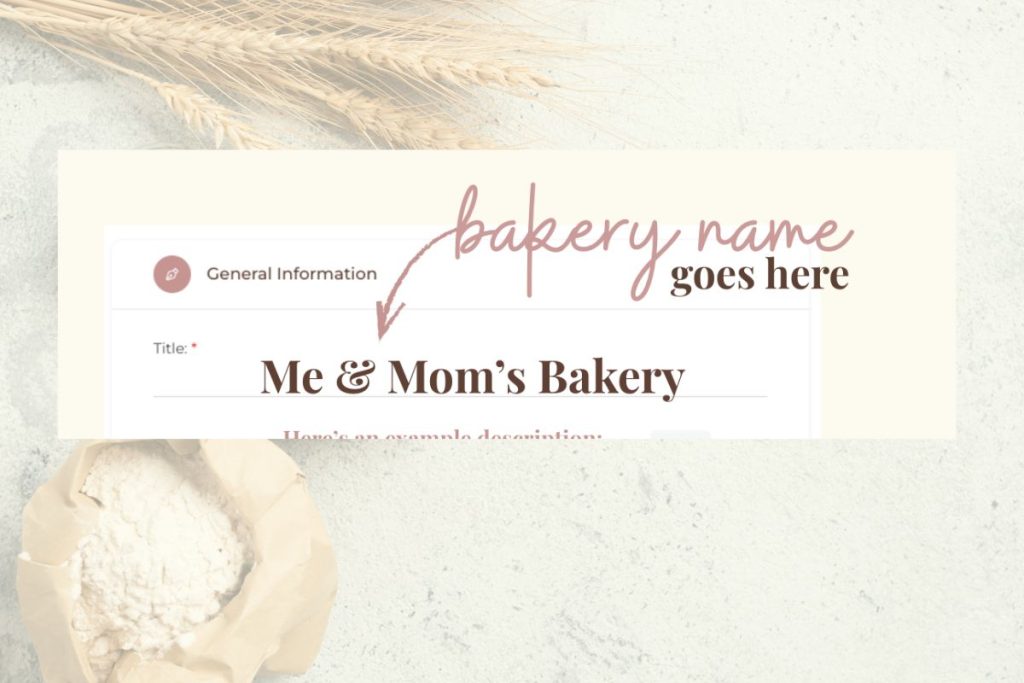
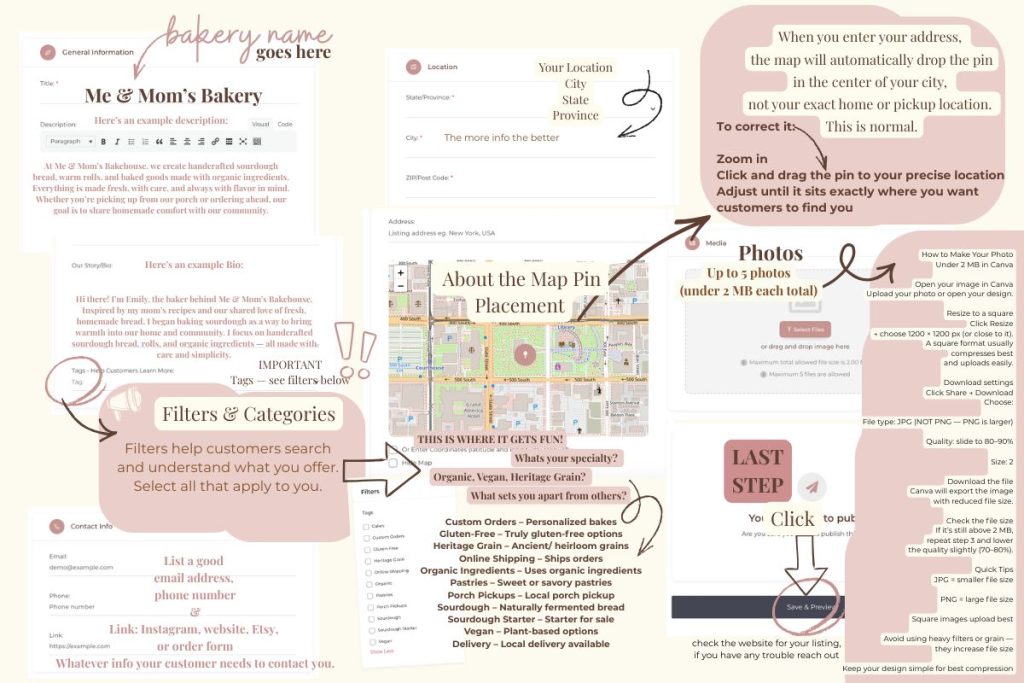
1. Bakery Name
Bakery Name (Title)
2. Description
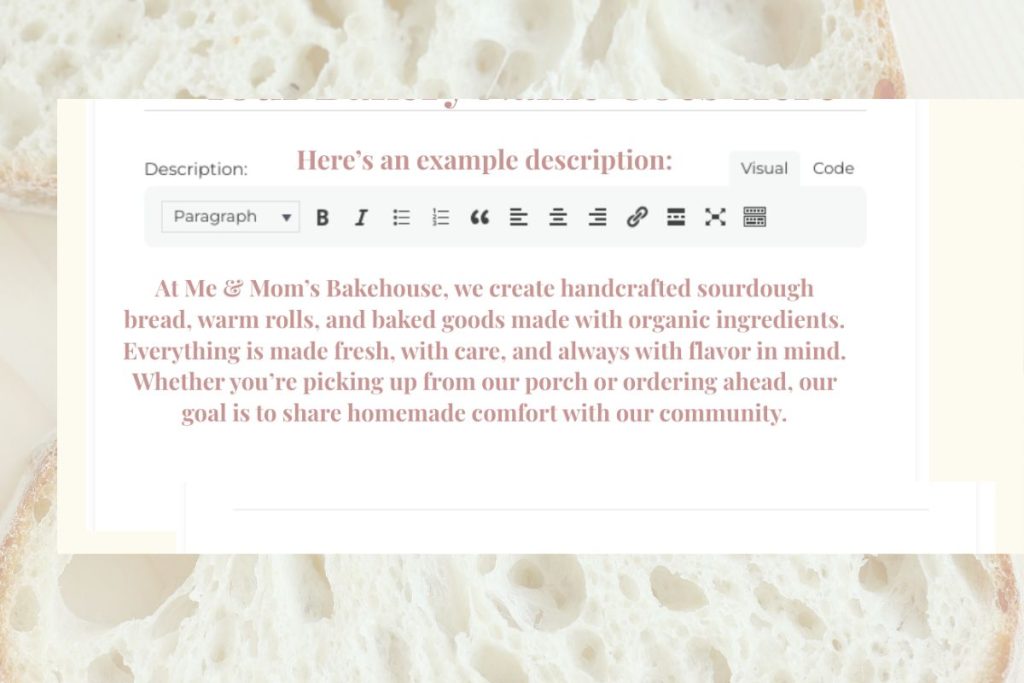
Example Description:
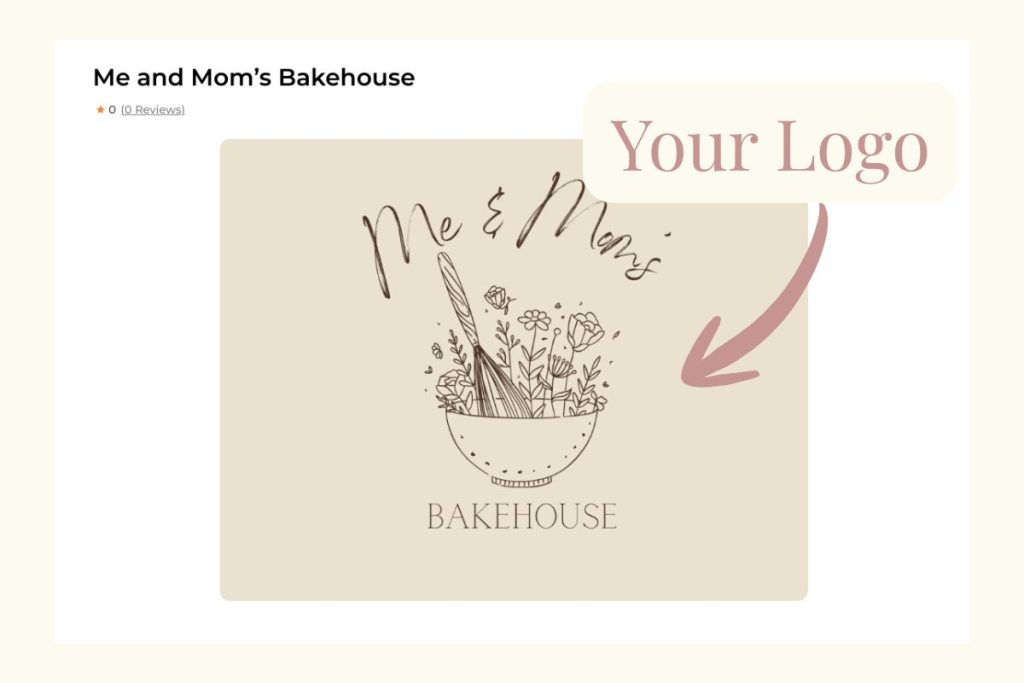
At Me & Mom’s Bakehouse, we create handcrafted sourdough bread, warm rolls, and baked goods made with organic ingredients. Everything is made fresh, with care, and always with flavor in mind. Whether you’re picking up from our porch or ordering ahead, our goal is to share homemade comfort with our community.
3. Bio / Story
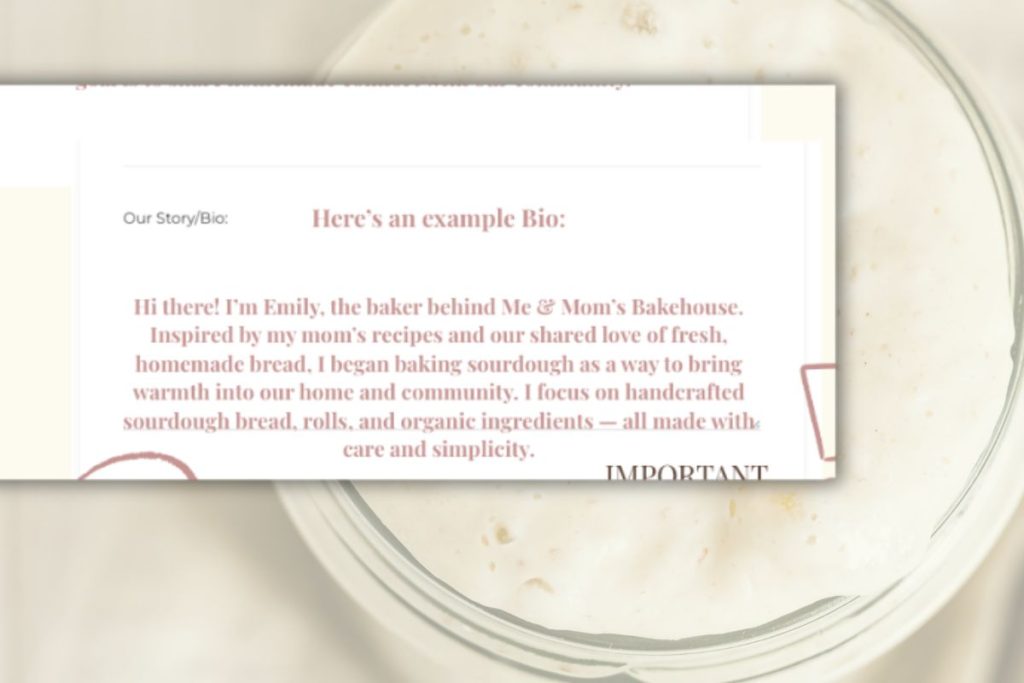
Example Bio:
Hi there! I’m Emily, the baker behind Me & Mom’s Bakehouse. Inspired by my mom’s recipes and our shared love of fresh, homemade bread, I began baking sourdough as a way to bring warmth into our home and community. I focus on handcrafted sourdough bread, rolls, and organic ingredients — all made with care and simplicity.
4. Filters & Tags
Tags — see filters below
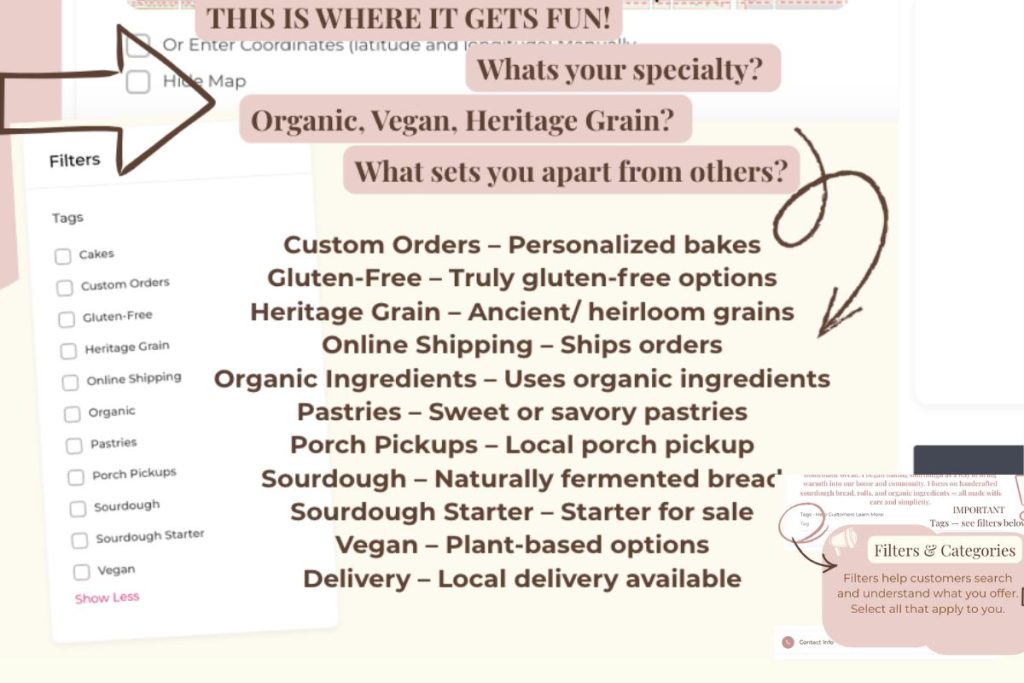
Filters & Categories
Filters help customers search and understand what you offer. Select everything that applies to your bakery so customers can find you by category. This is where you can have fun and be different from other bakers.
Catering – Bakers who offer catering as part of their services.
Custom Orders – Personalized bakes
Gluten-Free – Truly gluten-free options
Heritage Grain – Ancient/ heirloom grains
Online Shipping – Ships orders
Organic Ingredients – Uses organic ingredients
Pastries – Sweet or savory pastries
Porch Pickups – Local porch pickup
Sourdough – Naturally fermented bread
Sourdough Starter – Starter for sale
Vegan – Plant-based options
Delivery – Local delivery available
Filtered Air– Some bakers filter the air in their bake space
Not sure which services or filters apply to your bakery? Our Understanding Our Tags guide walks through each option.
5. Contact Info
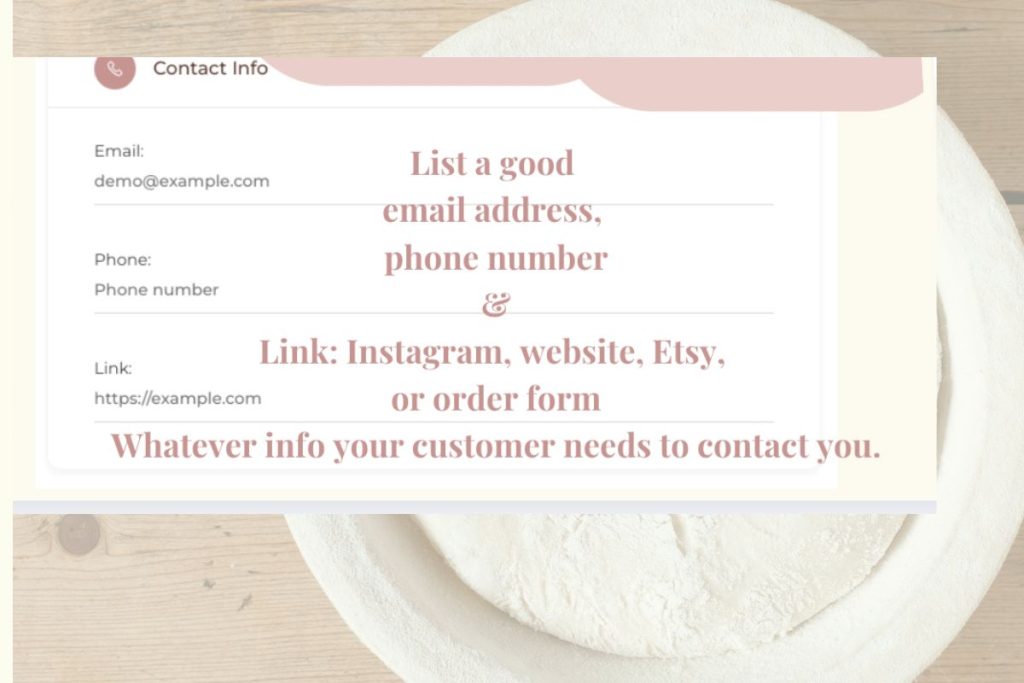
Add your phone, email + one main link (Instagram, website, Etsy, order form, etc.).
Email (optional)
Phone (optional)
One main link (Instagram, website, Etsy, or order form/ optional)
6. Location + Map Pin
Your Location
• City and state/province
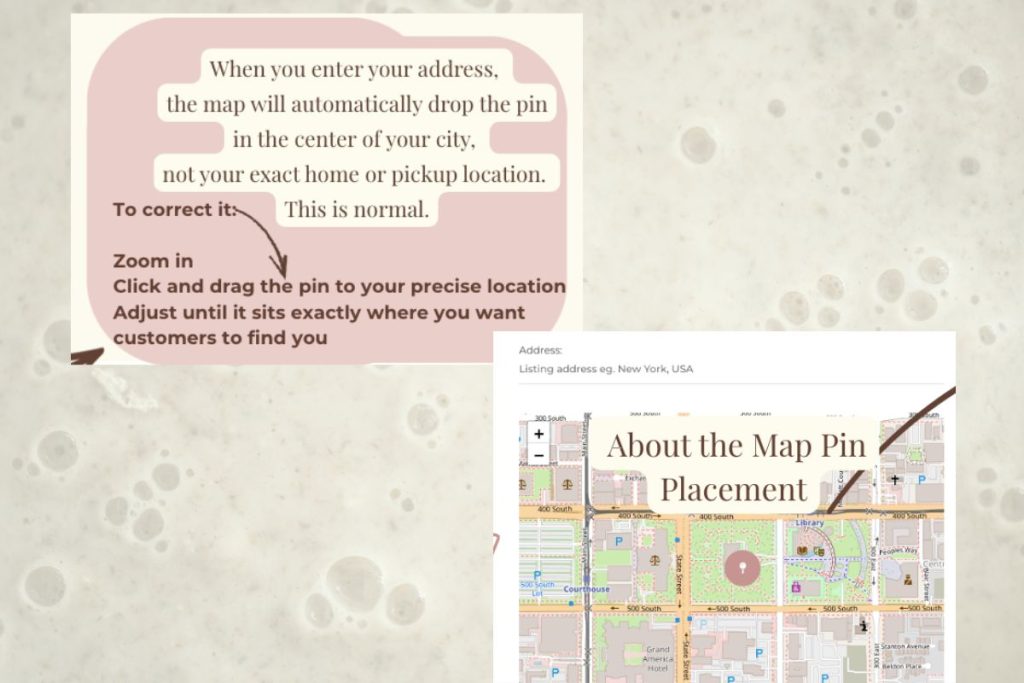
 About the Map Pin Placement
When you enter your address, the map will automatically drop the pin in the center of your city, not your exact home or pickup location. This is normal.
To correct it:
- Zoom in
- Click and drag the pin to your precise location
- Adjust until it sits exactly where you want customers to find you
7. Photos
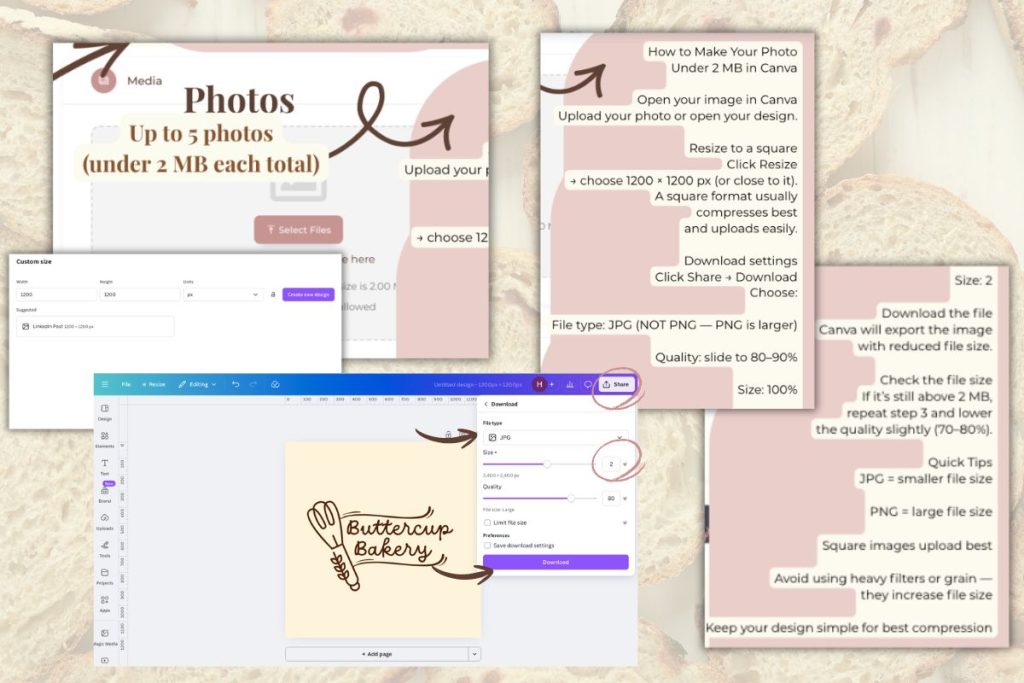
Upload up to 5 photos under 2 MB each.
If needed, resize in Canva to 1200×1200 JPG at 80–90% quality.
How to Make Your Photo Under 2 MB in Cava
- Open your image in Canva
Upload your photo or open your design. - Resize to a square
Click Resize → choose 1200 × 1200 px (or close to it).
A square format usually compresses best and uploads easily. - Download settings
Click Share → Download
Choose:- File type: JPG (NOT PNG — PNG is larger)
- Quality: slide to 80–90%
- Size: 2
- Download the file
Canva will export the image with reduced file size. - Check the file size
If it’s still above 2 MB, repeat step 3 and lower the quality slightly (70–80%).
Quick Tips
- JPG = smaller file size
- PNG = large file size
- Square images upload best
- Avoid using heavy filters or grain — they increase file size
- Keep your design simple for best compression
How to Update Your Listing Anytime
Log in → Dashboard → Edit Listing.
You can update everything: description, bio, tags, contact, location or photos — anytime.
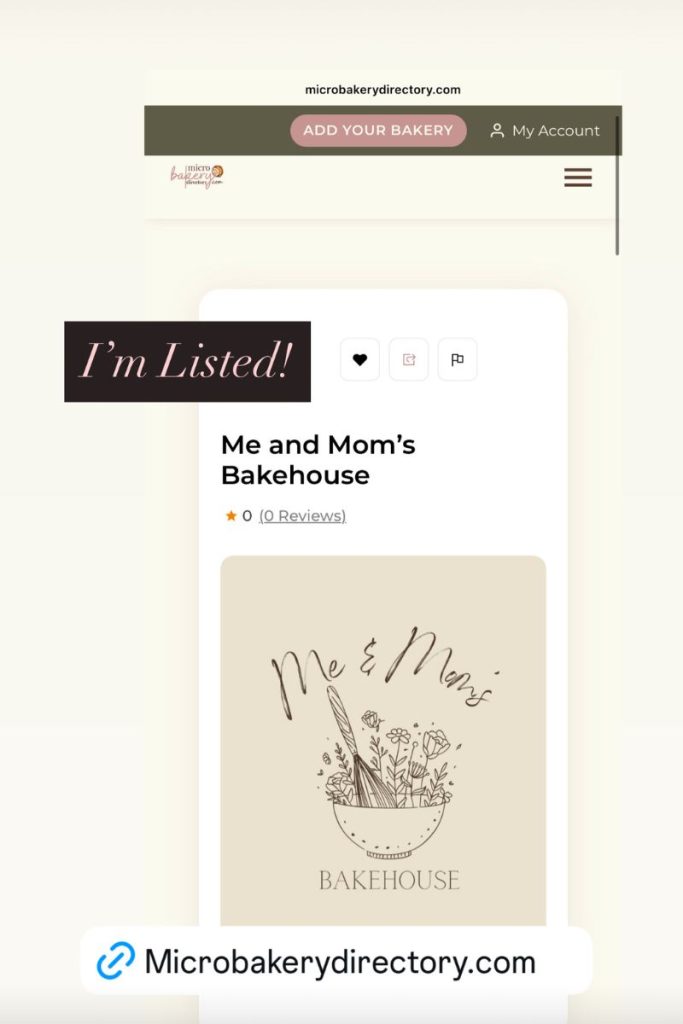
Share Your Listing (Optional)
Sharing helps other bakers find the directory and helps customers find you.
Share your listing and tag us on Instagram @MicroBakeryDirectory.
What’s Coming in Phase Two
More beautiful bakery pages, more community tools, more featured bakers, and lots of exciting surprises!
Thank You for Being Here
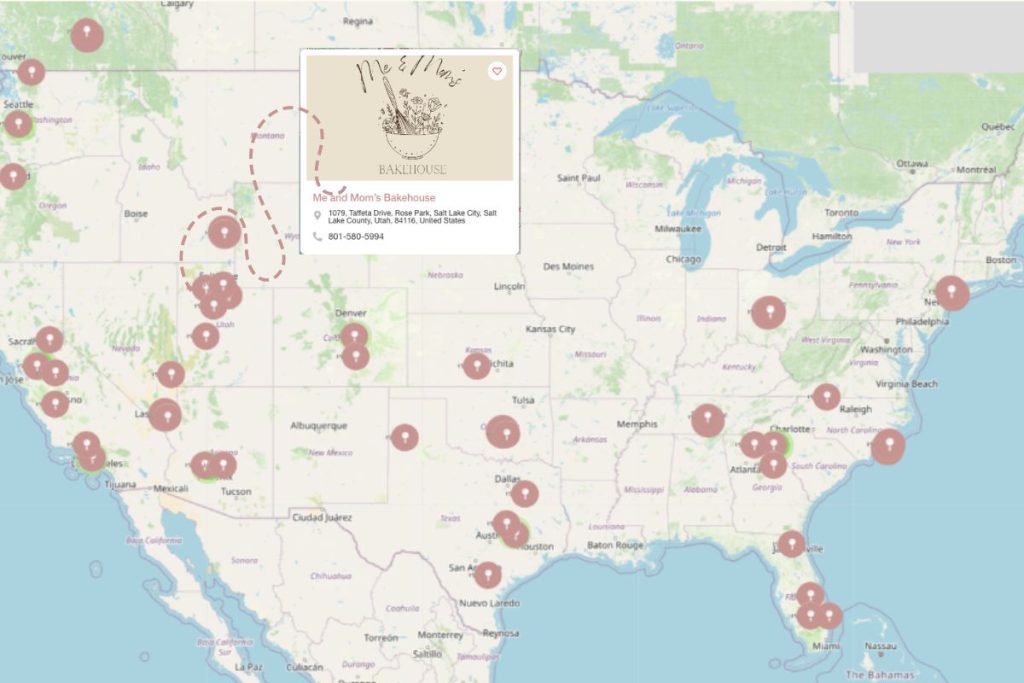
Every new listing adds another baker to the map — another real, local creator feeding their community.
Thank you for being part of this movement.
We’re just getting started.
~heather